Build the capability
Build practical AI fluency across your teams.
Each person follows a path picked from their assessment result, starting with their weakest dimension. Every lesson ends in a real task that week.
This is self-paced learning inside the platform. For live, facilitated programmes, see Training.
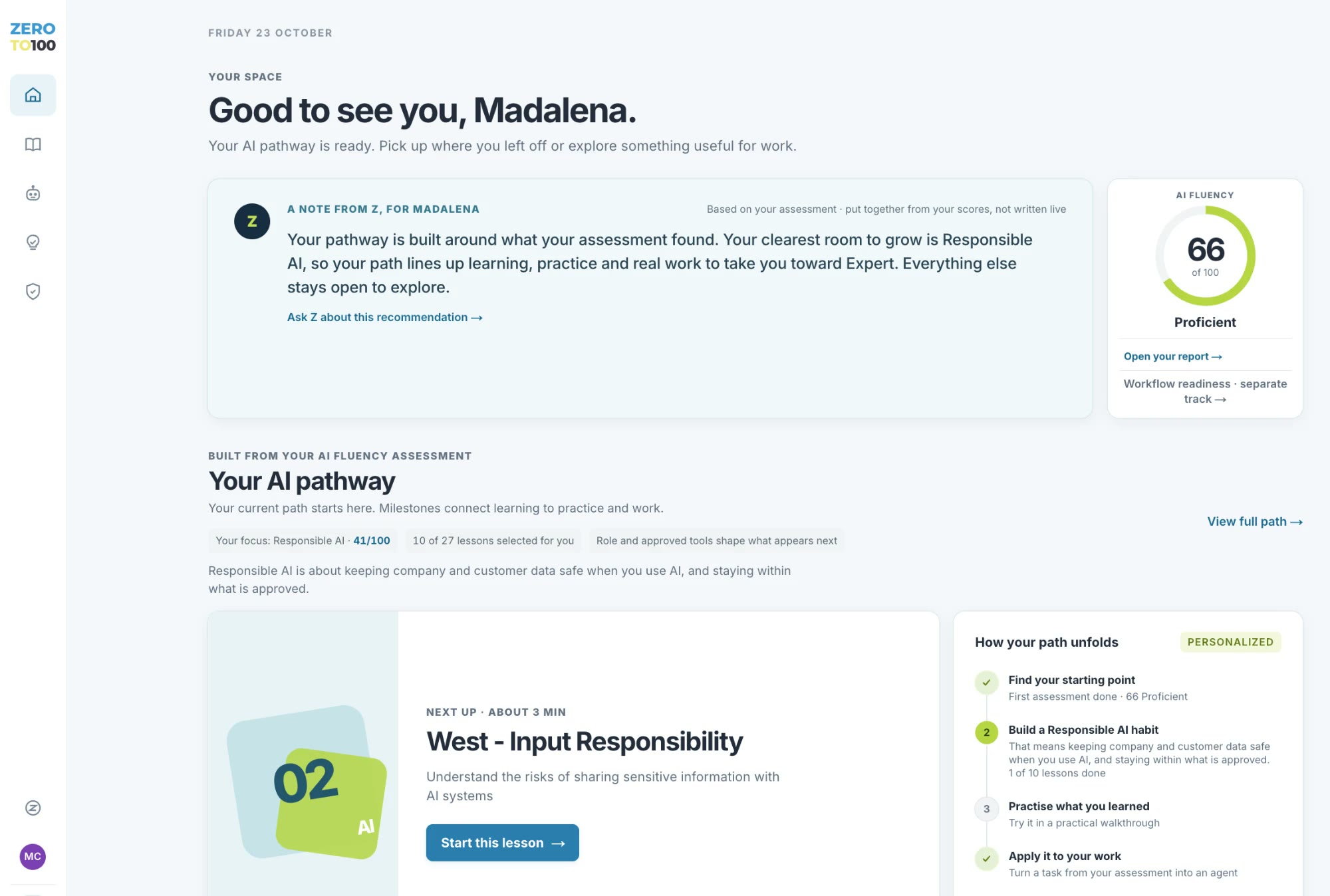















































Personal path
Learning that starts from each person's own score.
Picked from the assessment
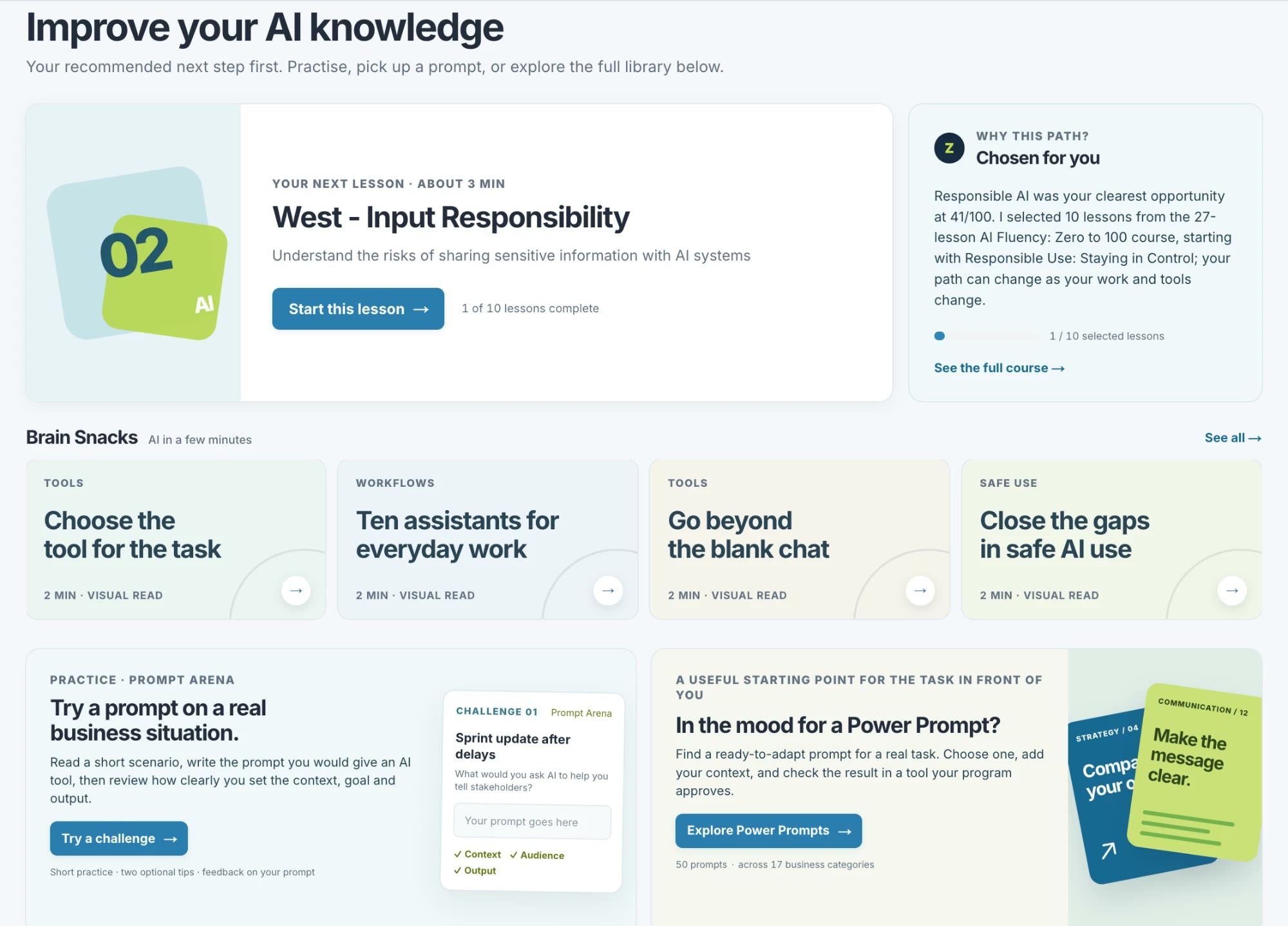
The path names the focus dimension and the score behind it, and explains why each lesson was chosen.
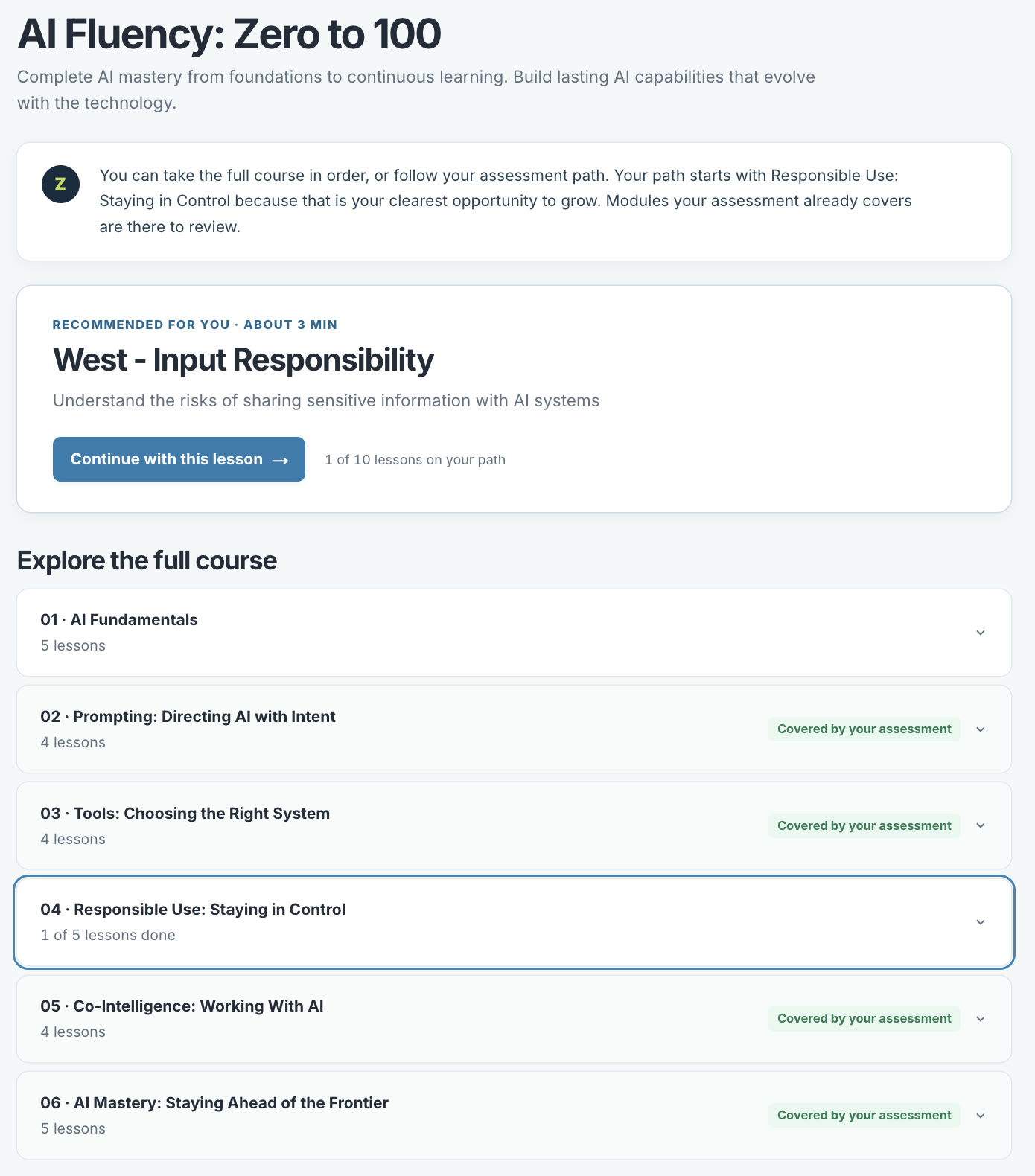
Covered modules marked
A module the person already scored 60 or more on is marked as covered by the assessment, and stays open for review.
Understand, practise, use at work
Each lesson runs in three stages, from a short video and written lesson, to practice exercises, to one real task this week.
Shaped by your rules
Role and the programme's approved tools shape what appears. Every tool in the library is on the programme's approved list.
Foundation course
AI Fluency: Zero to 100
A course taught by René Bohnsack and based on his book, The AI Strategy Playbook (Routledge, 2026). Each module ends in a short quiz.
- 01AI Fundamentals
- 02Prompting: Directing AI with Intent
- 03Tools: Choosing the Right System
- 04Responsible Use: Staying in Control
- 05Co-Intelligence: Working With AI
- 06AI Mastery: Staying Ahead of the Frontier
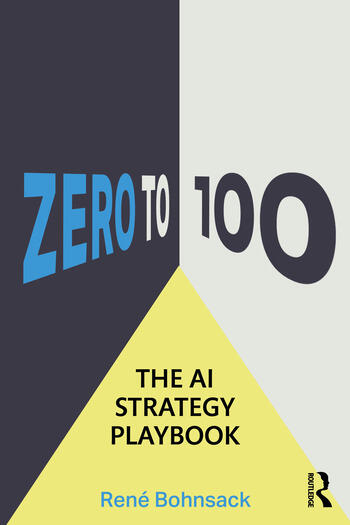
The methodology, now a book
Order nowMicro-skills
Micro-skills that end in real work.
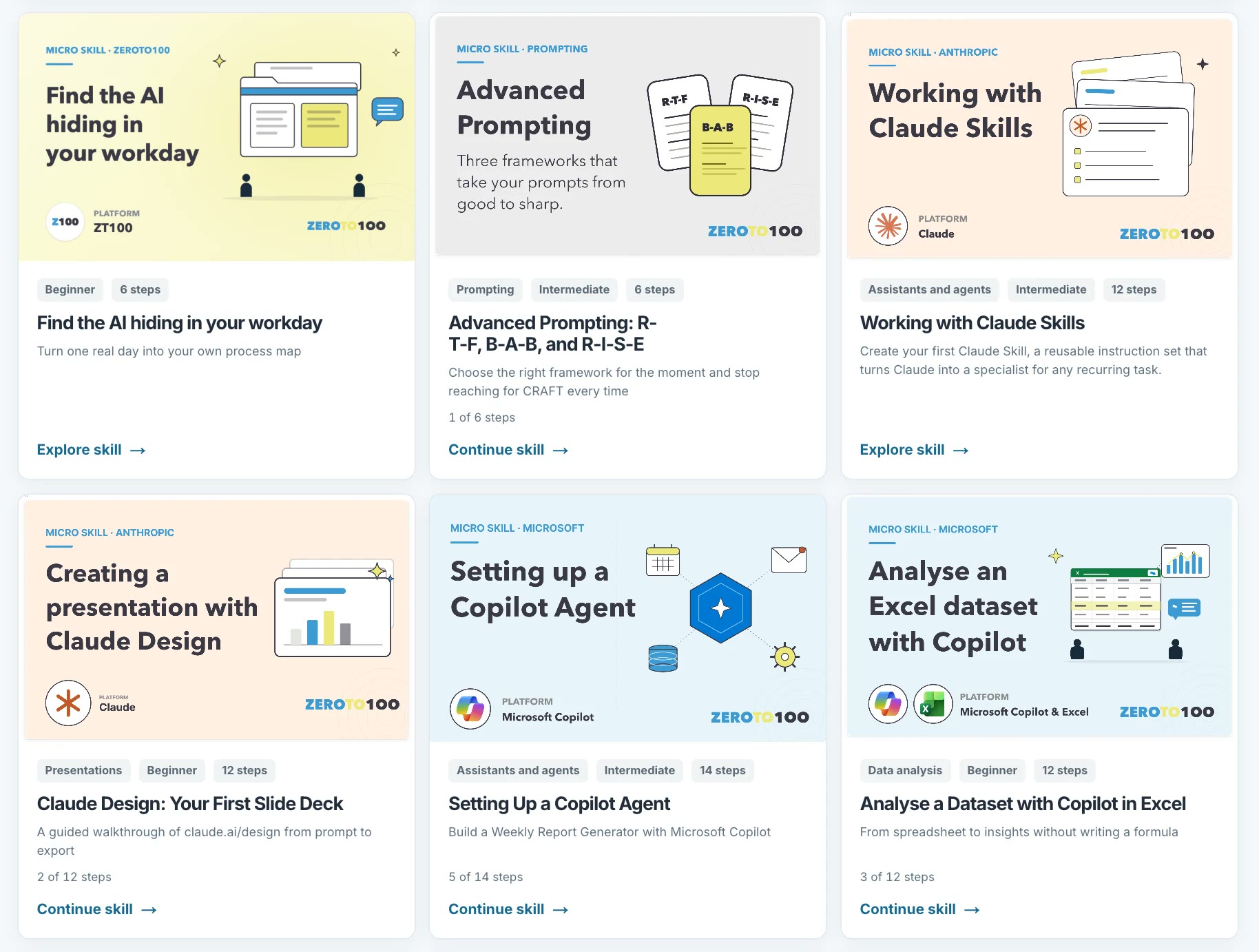
Short guided walkthroughs in a real tool. Each one ends with something the person made, which Z reviews with a specific next step.
Examples
- Advanced Prompting: R-T-F, B-A-B, and R-I-S-EChatGPTIntermediate
- Working with Claude SkillsClaudeIntermediate
- Claude Design: Your First Slide DeckClaudeBeginner
- Setting Up a Copilot AgentCopilotIntermediate
- Analyse a Dataset with Copilot in ExcelCopilotBeginner
- Write Faster: Copilot in WordCopilotBeginner
- Build a Deck from a Brief with Copilot in PowerPointCopilotIntermediate
- Build a Work Assistant in a ChatGPT ProjectChatGPTBeginner
- Triage Your Inbox with Copilot in OutlookCopilotBeginner
Practice
Practise on real scenarios, then use a prompt that is ready.
Prompt Arena
Write the prompt you would give an AI tool for a business scenario. Z checks it against five fixed checks: Context, Audience, Task, Format and Constraints. Practice never changes the score.
Power Prompts
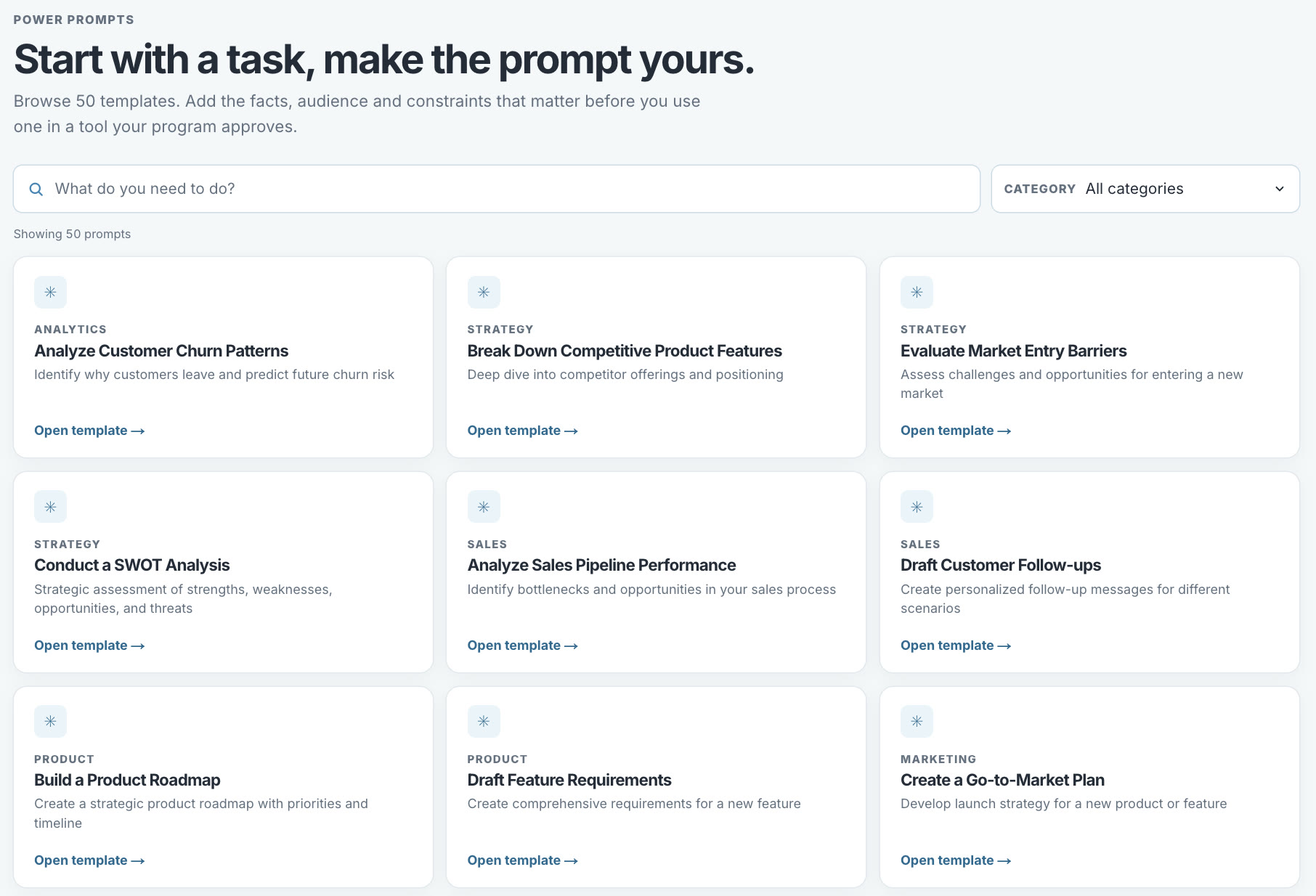
Ready-to-use templates across business functions, from Finance and HR to Sales and Strategy. Each opens as a working copy with named fields to fill in.
Produce an Executive Summary
CommunicationAnalyze Customer Churn Patterns
AnalyticsBreak Down Competitive Product Features
StrategyBrain Snacks
Short visual reads, about 2 minutes each, on current tools and safe use, each ending with one small step to try this week.
Programme leads
Choose what your people see.
Programme leads choose which courses and skills their programme shows, from what Zero to 100 publishes, scoped to the tools the company approved. The learning dashboard shows who is progressing, who has stalled, and follow-through by course.
Next stage
Put AI to work
People find where AI fits in their workday and design an assistant or workflow for it.
Build AI fluency into everyday work.
Taking part in a programme? Sign in at platform.zeroto100.ai